WI Freecam 1.1.1
2026-06-22
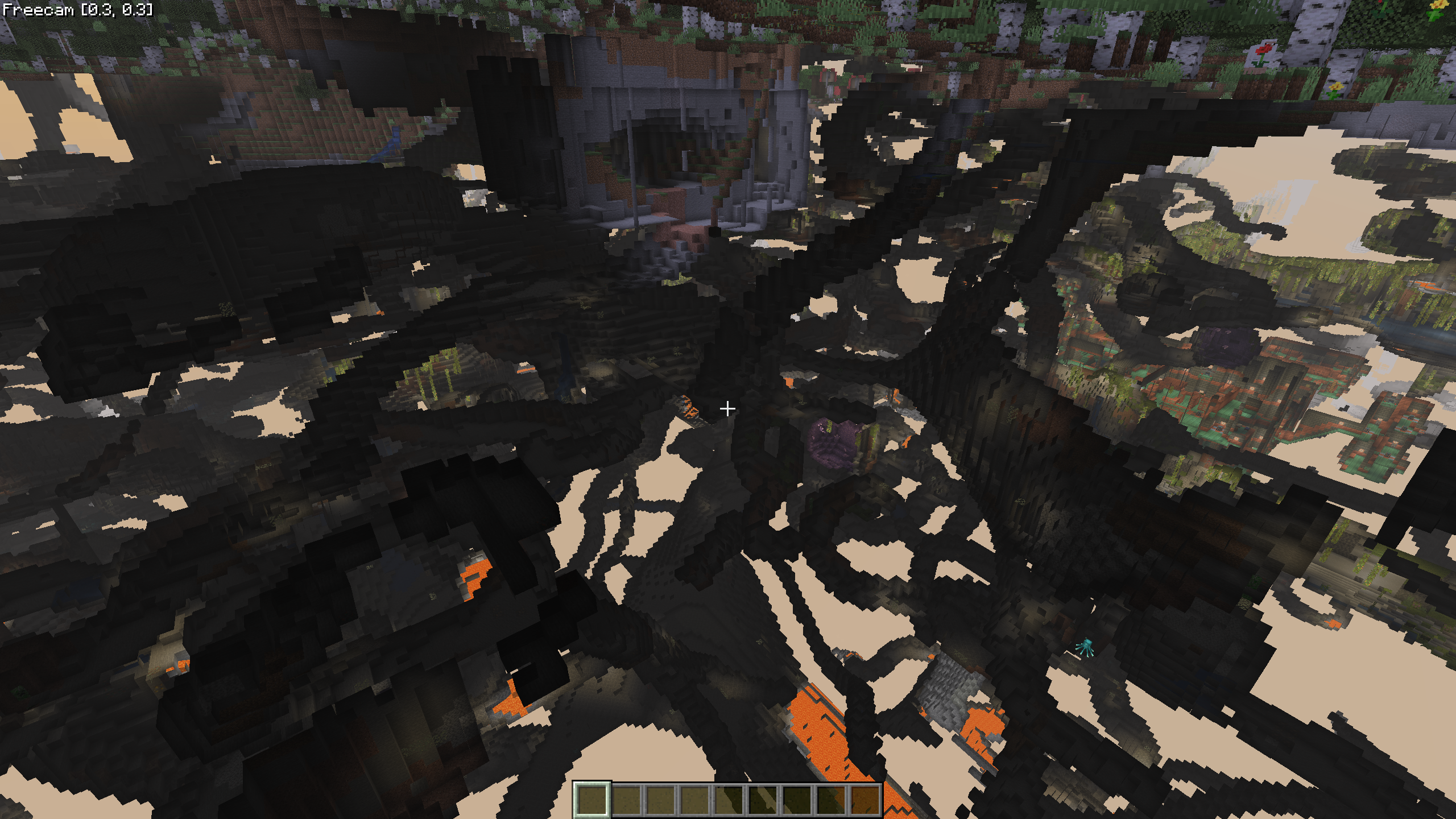
This version of WI Freecam is available for Minecraft 26.2, 26.1.2 and 1.21.11, as well as snapshots 26.3-snapshot-2 and 26.3-snapshot-1.
Changelog
-
Changed the “Interact from” setting’s default value to “Camera” for a better out-of-the-box experience. (Only affects new installations.)
-
Fixed some chunks being invisible while you’re in Freecam with Sodium 0.9.0 is installed. (#46
-
Added a test to make sure this was the last time this “chunks being invisible” issue goes unnoticed until a user reports it to me.
Downloads
for Minecraft 26.2 + Fabric
IMPORTANT: You are currently viewing WI Freecam 1.1.1, which is an older version for Minecraft 26.2 + Fabric. For optimal performance and the latest features, we recommend downloading WI Freecam 1.1.3 MC26.2 instead.
WI Freecam v1.1.1 MC26.2
File: WI-Freecam-1.1.1-MC26.2.jar
 Fabric API MC26.2
v0.153.0+26.2
Fabric API MC26.2
v0.153.0+26.2
Mirrors:
 CurseForge
Additional files:
for Minecraft 26.1.2 + Fabric
IMPORTANT: You are currently viewing WI Freecam 1.1.1, which is an older version for Minecraft 26.1.2 + Fabric. For optimal performance and the latest features, we recommend downloading WI Freecam 1.1.3 MC26.1.2 instead.
WI Freecam v1.1.1 MC26.1.2
File: WI-Freecam-1.1.1-MC26.1.2.jar
Fabric API MC26.1.2
v0.153.0+26.1.2
Mirrors:
Additional files:
for Minecraft 1.21.11 + Fabric
IMPORTANT: You are currently viewing WI Freecam 1.1.1, which is an older version for Minecraft 1.21.11 + Fabric. For optimal performance and the latest features, we recommend downloading WI Freecam 1.1.3 MC1.21.11 instead.
WI Freecam v1.1.1 MC1.21.11
File: WI-Freecam-1.1.1-MC1.21.11.jar
Fabric API MC1.21.11
v0.141.4+1.21.11
Mirrors:
Additional files:
for Minecraft Snapshots
26.3-snapshot-2 (click to expand)
WI Freecam v1.1.1 MC26.3-snapshot-2
File: WI-Freecam-1.1.1-MC26.3-snapshot-2.jar
Fabric API MC26.3-snapshot-2
v0.153.2+26.3
Mirrors:
Additional files:
26.3-snapshot-1 (click to expand)
WI Freecam v1.1.1 MC26.3-snapshot-1
File: WI-Freecam-1.1.1-MC26.3-snapshot-1.jar
Fabric API MC26.3-snapshot-1
v0.153.1+26.3
Mirrors:
Additional files:
Installation
WI Freecam can be installed just like any other Minecraft mod.
Important: Always make sure that your modloader and all of your mods are made for the same Minecraft version. Your game will crash if you mix different versions.
Installation using Fabric
Install Fabric Loader.
Add Fabric API to your mods folder.
Add WI Freecam to your mods folder.